 AnonChat
Get AnonChat.
Version 1.0.3. Everything is included, the Anyone network client too: nothing else to install, and no account to create.
Windows
- Run the installer and follow the steps
- Uninstalling asks whether to keep your data
Linux
- Install with your package manager, for example
sudo apt install ./anonchat*.deborsudo dnf install ./anonchat*.rpm - Works with GNOME, KDE and most desktops
macOS
Coming soon- The macOS build is prepared and being tested
- Follow the GitHub releases to know when it's out
Download only from the official GitHub releases page. AnonChat is never distributed through other sites, stores or messages. If someone sends you an installer, don't run it.
Your first five minutes.
Start and read
The welcome screen explains what AnonChat is, and what no app can do for you. Moving from another computer? Choose Restore from a backup.
Choose a lock
A 6-digit PIN, or a passphrase of 12+ characters. Write it down: nobody can reset it.
Wait for the network
The first connection usually takes under a minute. Your address then appears under My identity.
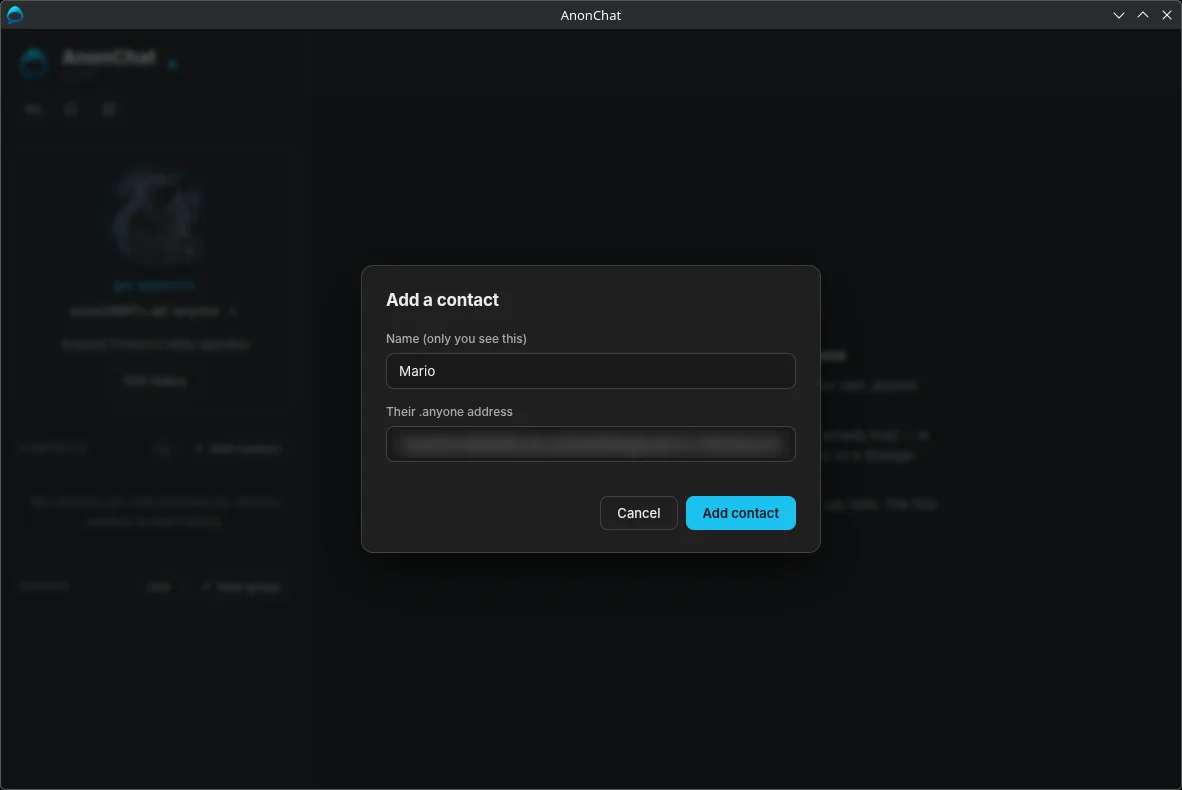
Add a contact
Swap addresses with someone you trust and add each other. Your first message arrives as a request.
Want the full walkthrough?
The official guide covers everything: groups, calls, circuits, backups, settings and security, with screenshots of each step.
Common questions.
Do I need a phone number, email or account?
No. Installing the app creates your address, and that is all.
Can the makers of AnonChat read my messages or switch it off?
No. There is no AnonChat server: messages go from your computer to your contact's, encrypted with keys that never leave those two computers.
Can someone find out where I am from my address?
No. A .anyone address reveals neither your IP address nor your location. Share it only with people you want to hear from; strangers can only send a message request, and you can turn those off.
Do I need tokens or cryptocurrency?
No. Relay operators earn the rewards; AnonChat only uses the network. Nothing to buy or hold.
Can I use one identity on two computers?
Not at the same time. You can move your identity to another computer: create a backup in Settings, then choose Restore from a backup on the new one. Your address, keys and contacts come with it.
Does a backup include my messages?
No. It holds your address, keys, contacts, groups, blocked list and settings. Messages, photos and files stay on the computer that received them.
I forgot my PIN or passphrase. Can it be reset?
No. Only you ever had it. If you made a backup, erase and restore it to keep your address; otherwise erase everything and start again with a new address.
Why did my message show ⏳?
Your contact's app wasn't reachable. Yours keeps trying and sends it as soon as they're back, within the waiting time set for that chat.
Is the code available?
Yes, under the GNU AGPL-3.0. Anyone can read, check and build it from the GitHub repository.